Where we left off
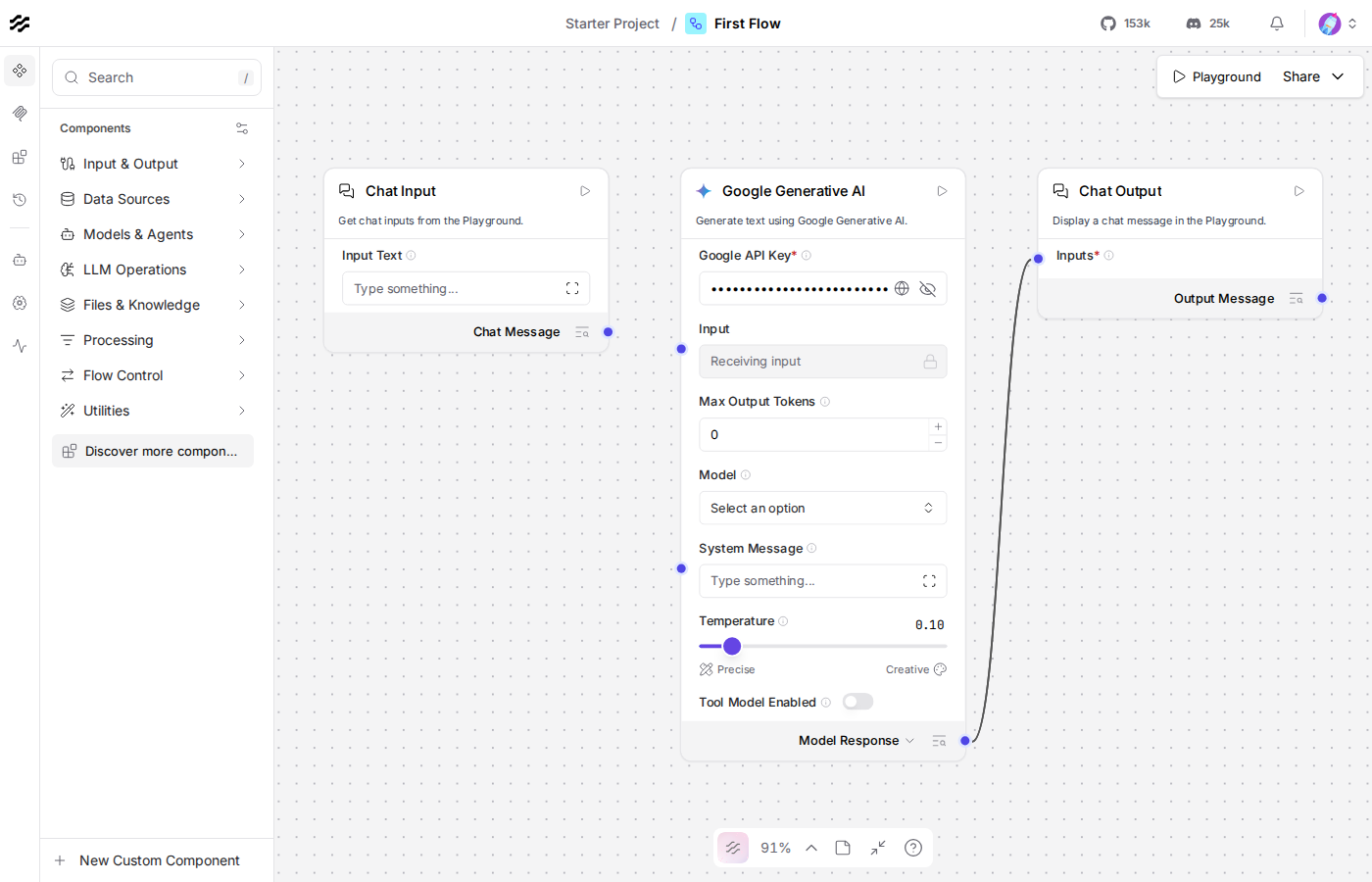
Most of this course's canvas.png screenshots were produced with the pattern this lesson spells out: this repo's own playwright course, aimed at Langflow's UI instead of an arbitrary website. Upload a flow over the REST API (Lesson 11), open it in a real headless browser, wait for the canvas to actually render, screenshot it.
A caveat worth knowing before you rely on this pattern yourself: it only works for a flow whose flow.json already carries real node position data (every flow.json in this course does, from Lesson 2 on) and whose components reconnect cleanly on reimport. Lessons 13, 14, and 16 hit a real Langflow frontend quirk where reimporting a saved flow that wires a model into an Agent's Model field drops that one edge, so those three lessons ship without a canvas.png at all, their READMEs say so and point you at building the flow by hand instead.
Do this yourself
There's no canvas to build by hand this time, lesson.py is the lesson, run it and it produces this folder's own canvas.png itself, the same screenshot most other lessons ship pre-made:
The code, piece by piece
flow_id = upload_flow()Lesson 11's upload_flow(), exactly. A screenshot needs a real flow sitting on the server first, flow.json alone isn't something a browser can open.
page.goto(f"{LANGFLOW_URL}/flow/{flow_id}")page.wait_for_selector('[data-testid^="rf__node-"]', timeout=15000)Langflow's canvas is a React app, the URL resolving doesn't mean the graph has painted yet. wait_for_selector blocks until at least one component node actually exists in the DOM, rf__node- is React Flow's own prefix for a rendered node, skip this and you risk screenshotting a blank loading state.
page.keyboard.press("Control+1")"Zoom To Fit," the same keyboard shortcut you'd press yourself, frames every node in the flow before capturing. Without it, the canvas opens at whatever zoom level was last saved, flow.json files in this course default to a plain, un-zoomed view, so this step isn't always necessary, but it's what keeps every node in frame reliably regardless of how a flow was built.
delete_flow(flow_id)Same cleanup habit as Lesson 11, this lesson uploads a flow purely to photograph it, no reason to leave it sitting on the server afterward.
Checkpoint
wait_for_selectorbefore screenshotting a React app: the URL resolving isn't the same as the page having rendered, wait for a real piece of content, not a fixed sleep.- "Zoom To Fit" (
Ctrl+1): frames every node before capturing, the same fix a human would reach for if a screenshot came out too zoomed in. - upload, screenshot, delete: the REST API isn't just for running flows, it's also the entry point for anything that needs a flow to exist on the server first, including a browser-driven screenshot.
If anything here still feels unclear, ask before moving to Lesson 19.